RepLog 3.1: Mac, iPhone, iPad, and Apple Watch - in sync
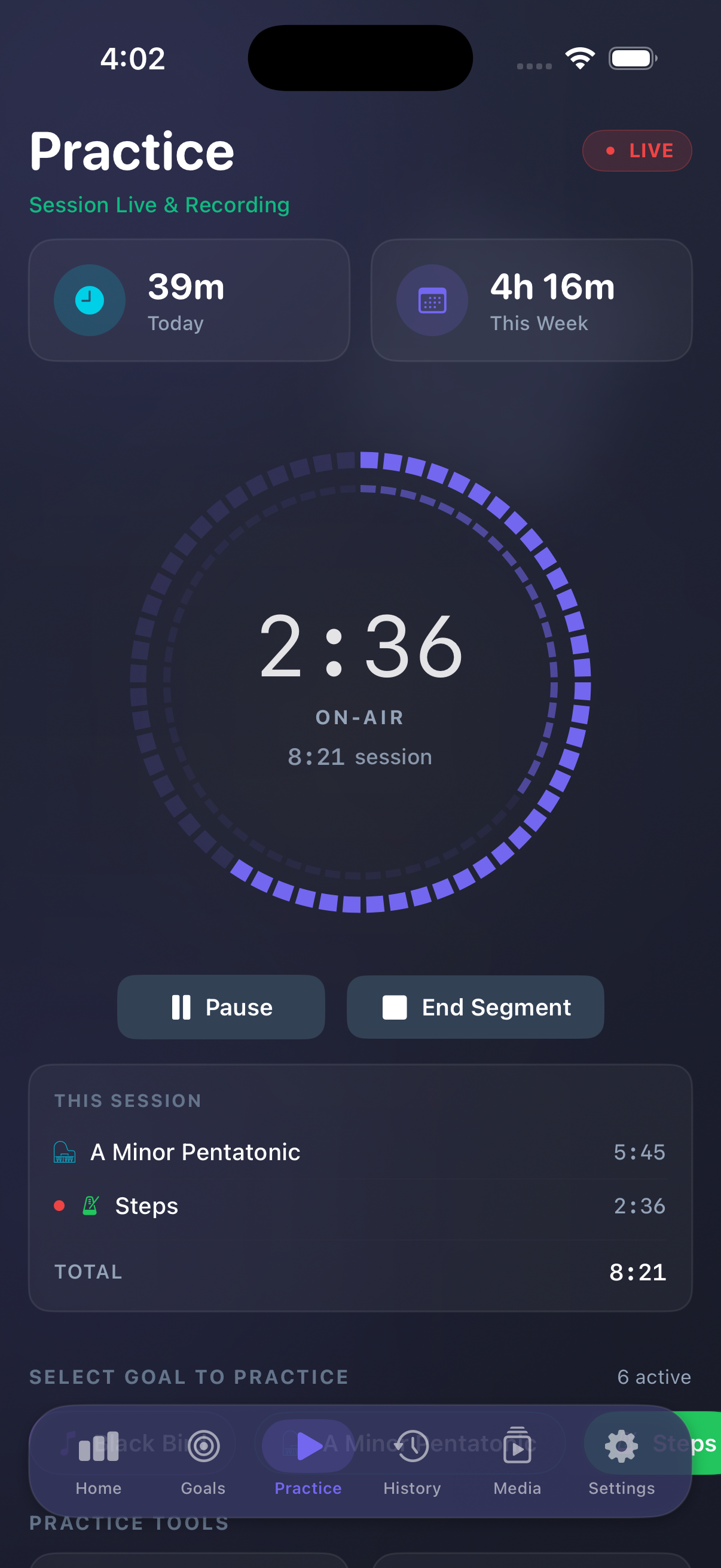
RepLog 3.1 is here. Your practice journal now lives on Mac, iPhone, and iPad, with an Apple Watch companion - and iCloud keeps goals, history, dashboard, and media aligned across the devices you actually practice with.
For a long time RepLog was a Mac desk companion: sessions, goals, metronome, tuner, media. Version 3.0.1 rebuilt that desk natively. Version 3.1 takes the next step - the same journal in your pocket, on the music stand, and on your wrist.
On iPhone and iPad you get the core loop: start a session, pick a goal, run the metronome, log BPM or completion when you end a segment. Optional 3-2-1 countdown so you start on the downbeat. The Apple Watch companion launches practice and controls tempo from your wrist while iPhone handles the heavy lifting.
Turn on iCloud sync (Pro) and Mac, iPhone, and iPad stay on the same page. Free to start; Pro is a one-time unlock shared across devices on the same Apple ID.
For a long time RepLog was a Mac desk companion: sessions, goals, metronome, tuner, media. Version 3.0.1 rebuilt that desk natively. Version 3.1 takes the next step - the same journal in your pocket, on the music stand, and on your wrist.
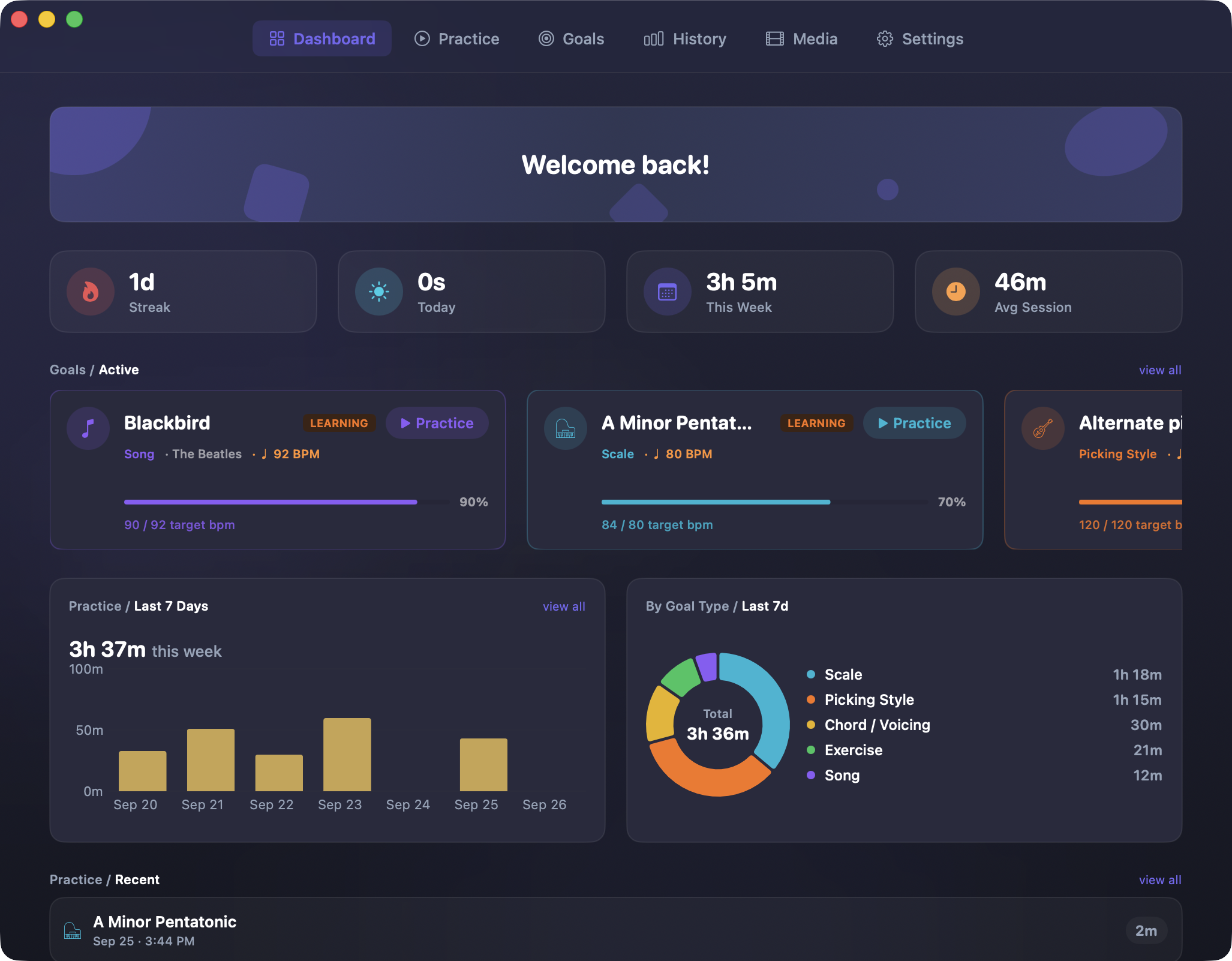
Practice wherever you are
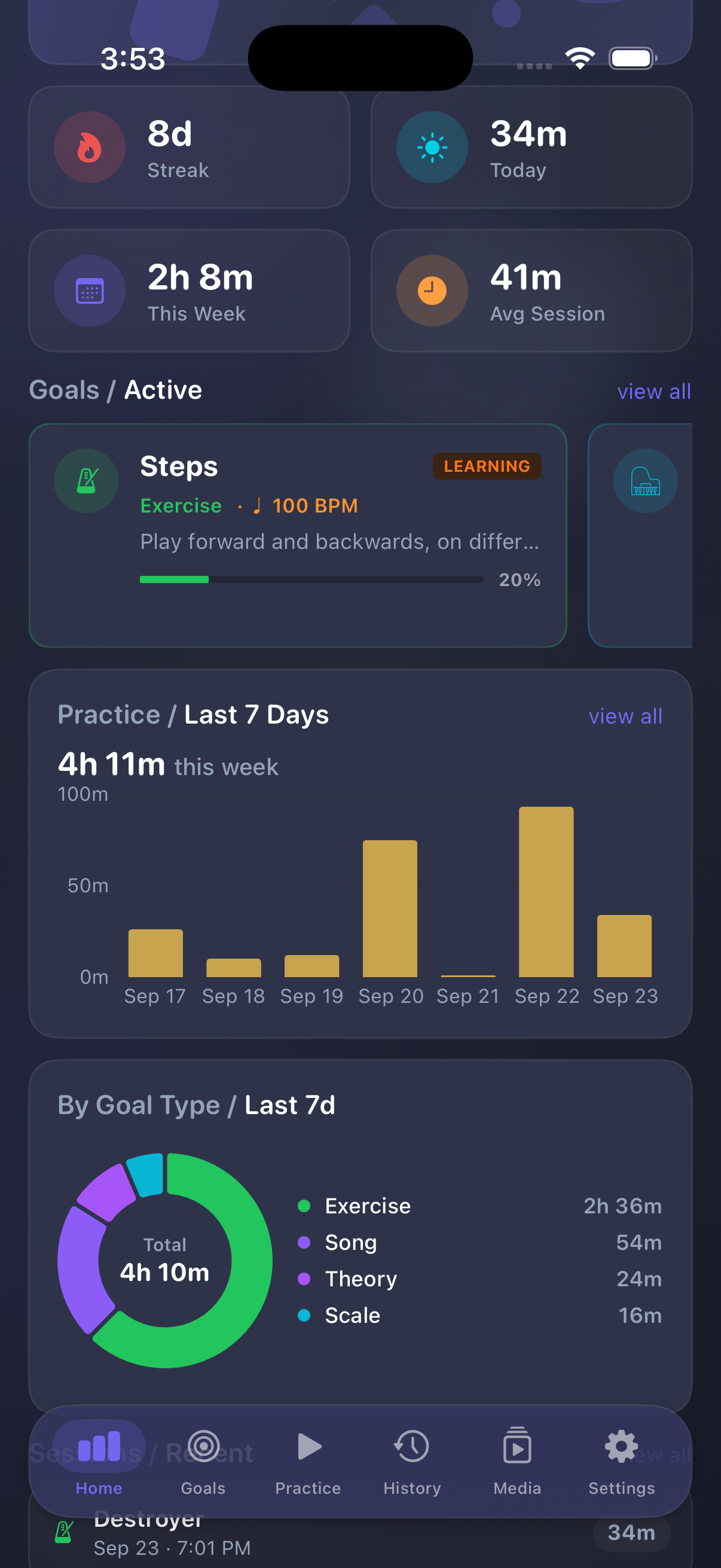
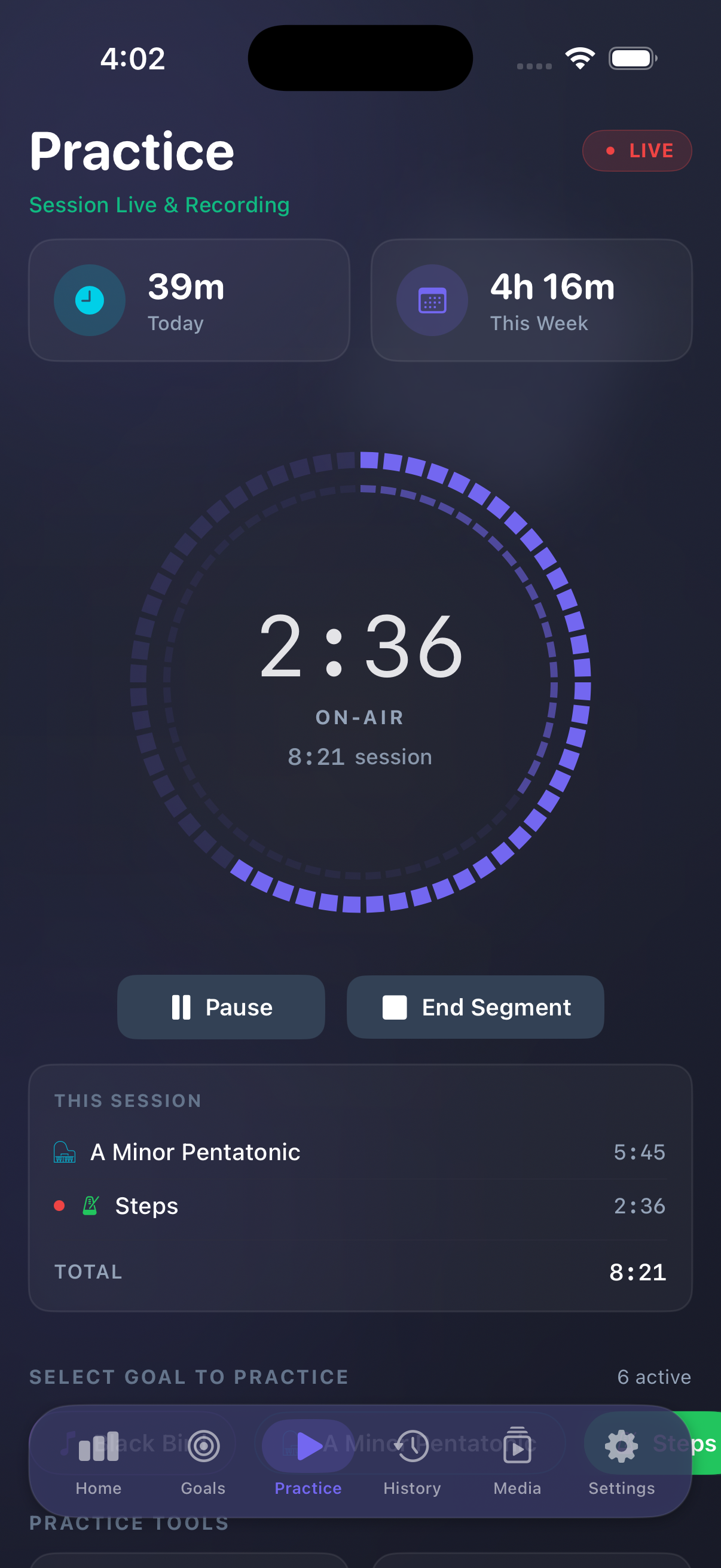
RepLog on iPhone brings the core loop with you: start a session, pick a goal, run the metronome, log BPM or completion when you end a segment. Optional 3-2-1 countdown so you start on the downbeat.
Dashboard and goals stay close so you can see the week and pick the next focus without leaving the app. On iPad, the same journal gets room to breathe - practice sits comfortably on the music stand without feeling like a stretched phone layout.
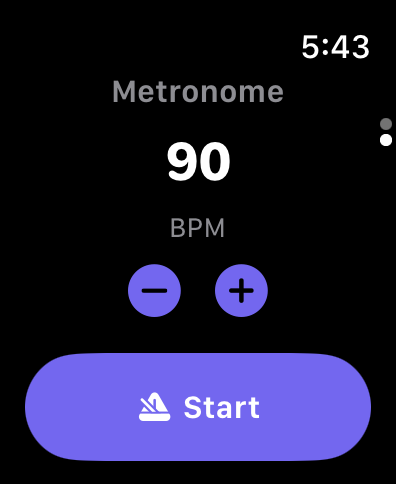
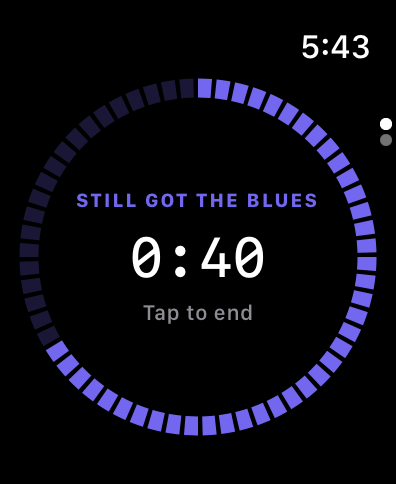 The Apple Watch companion keeps things moving without unlocking your phone - launch practice and control tempo from your wrist while iPhone handles the heavy lifting. Glance at the active goal, nudge BPM, and end a segment without breaking your stance or reaching for the stand.
iCloud sync that matches how you practice
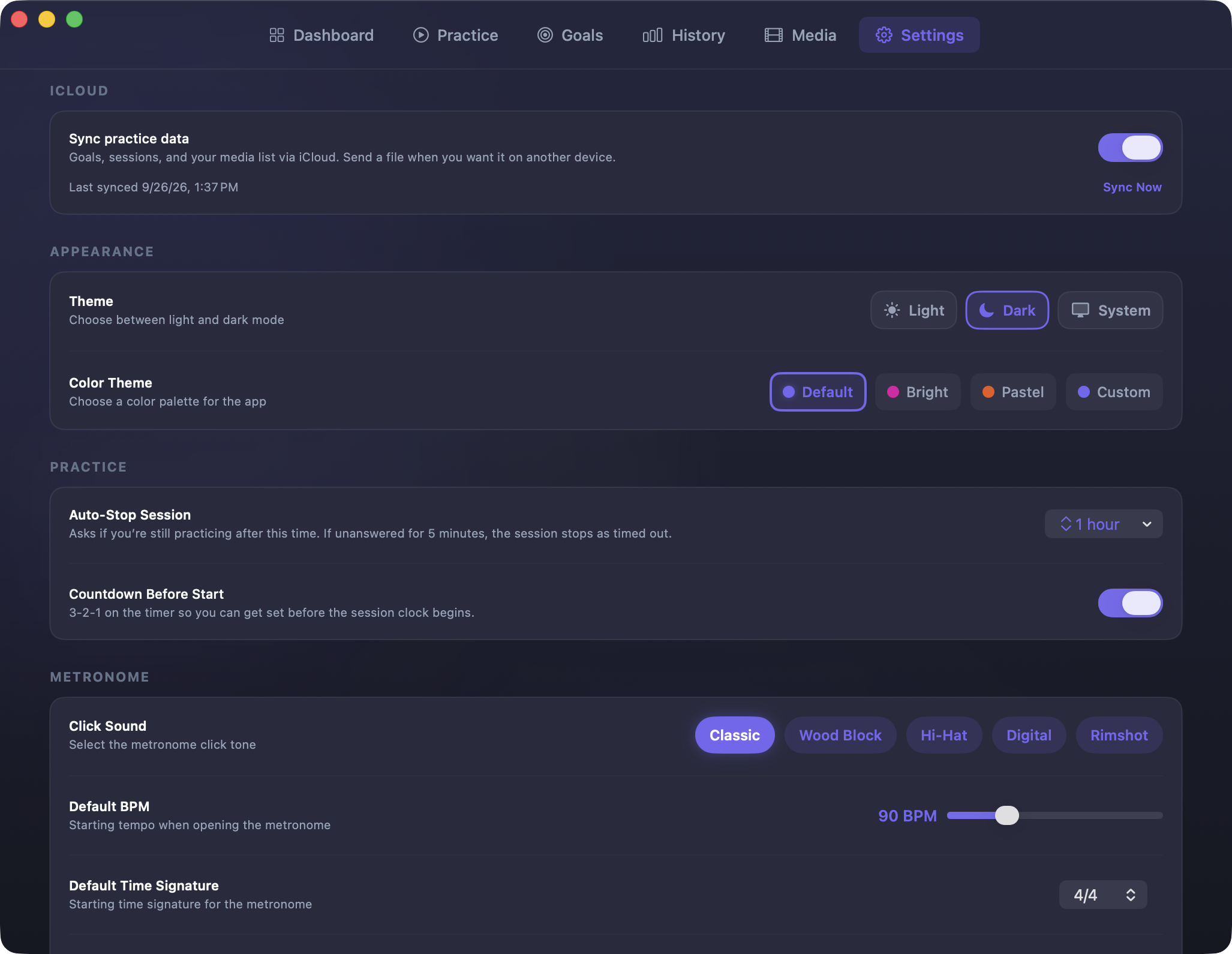
Turn on iCloud sync (Pro) and Mac, iPhone, and iPad stay on the same page: goals, history, dashboard, and media. Start a goal on the Mac desk, log a segment on iPhone in the practice room, check the week on iPad at the stand - one journal, not three notebooks. Mac users who already use folder sync via iCloud Drive or Dropbox still can - that path is separate from CloudKit sync with phone and tablet.
Goals linked to media
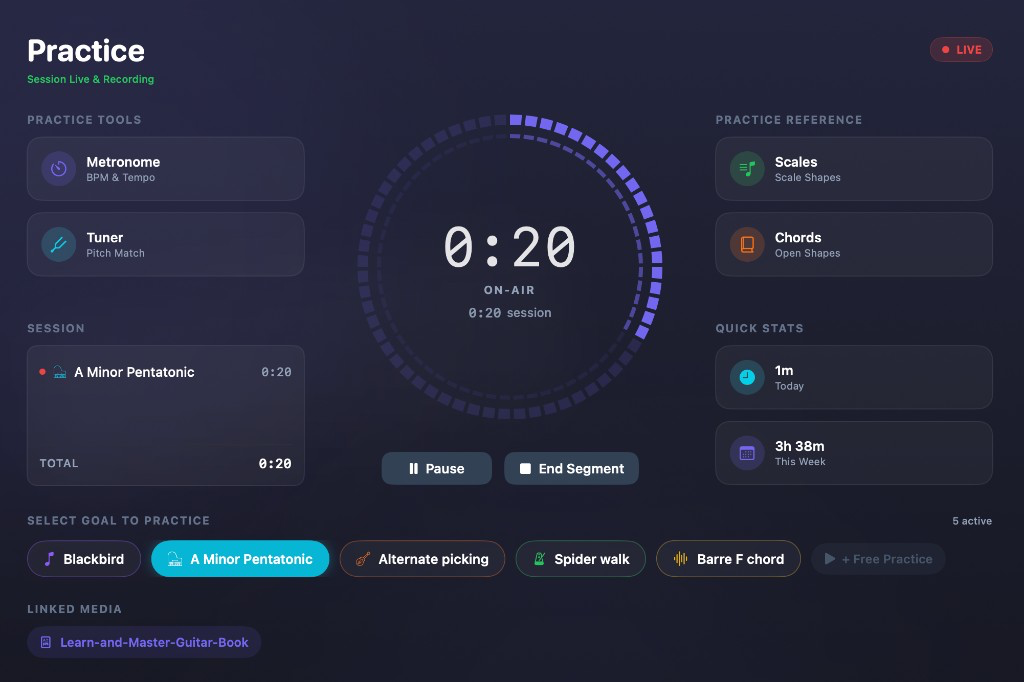
3.1 lets you link goals to media files so reference clips and recordings sit next to the work they belong to. Less hunting through folders mid-session; more time on the instrument.
One Pro unlock
Free to start on every platform. Pro is a one-time unlock - same purchase story across Mac, iPhone, and iPad when you use the same Apple ID. The Watch companion ships with the iPhone app; no separate Watch purchase.
What else shipped in this line
- 3.0.1 - full native Mac rewrite, redesigned dashboard and history, media library (including PDFs), pause/resume that keeps time, optional countdown, Free/Pro on the Mac App Store.
- 3.1 - iPhone, iPad, Apple Watch, iCloud sync across devices, goal-linked media, shared Pro unlock.
Get it
Download RepLog for Mac and for iPhone / iPad from the App Store (Watch installs with the iPhone app). Full notes are on the changelog, and you can browse every screen on the screenshots page.
Grab your instrument, sync your devices, and log the next rep.